
Latest Version
Dani Acosta
Media
Linux
Free
io.github.daniacosta_dev.AuroraMediaPlayer
Report a Problem
More About Aurora Media Player
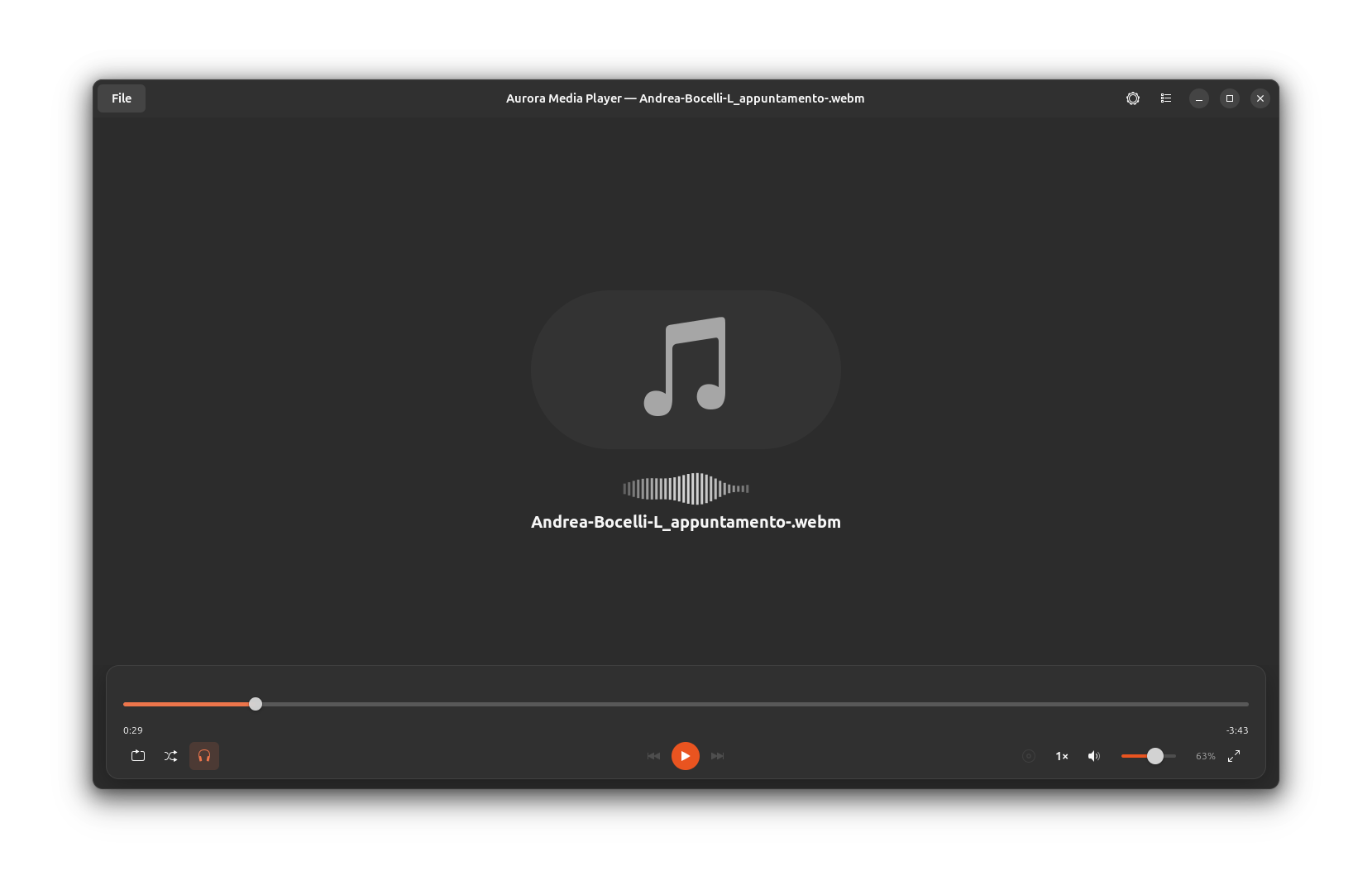
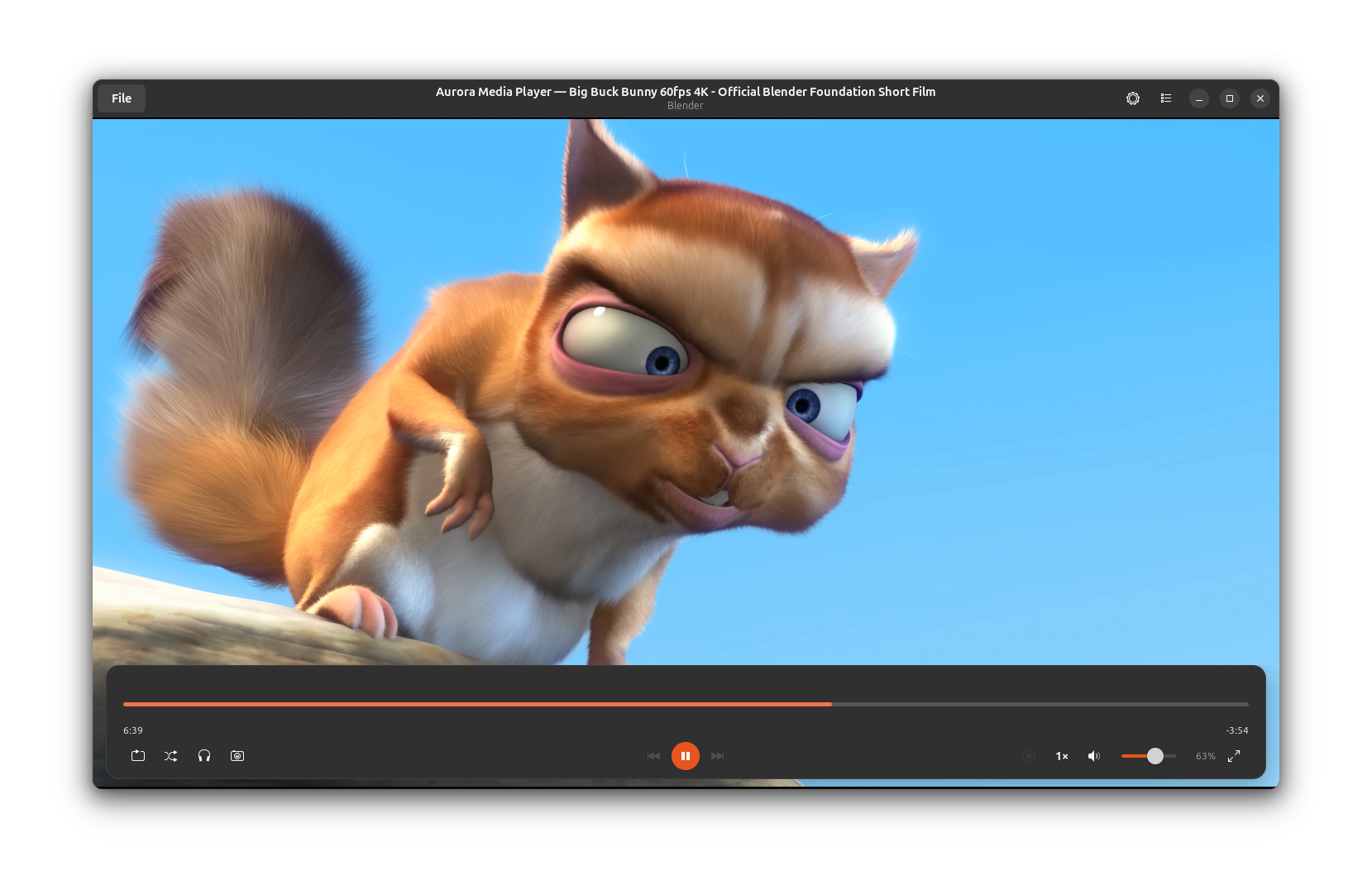
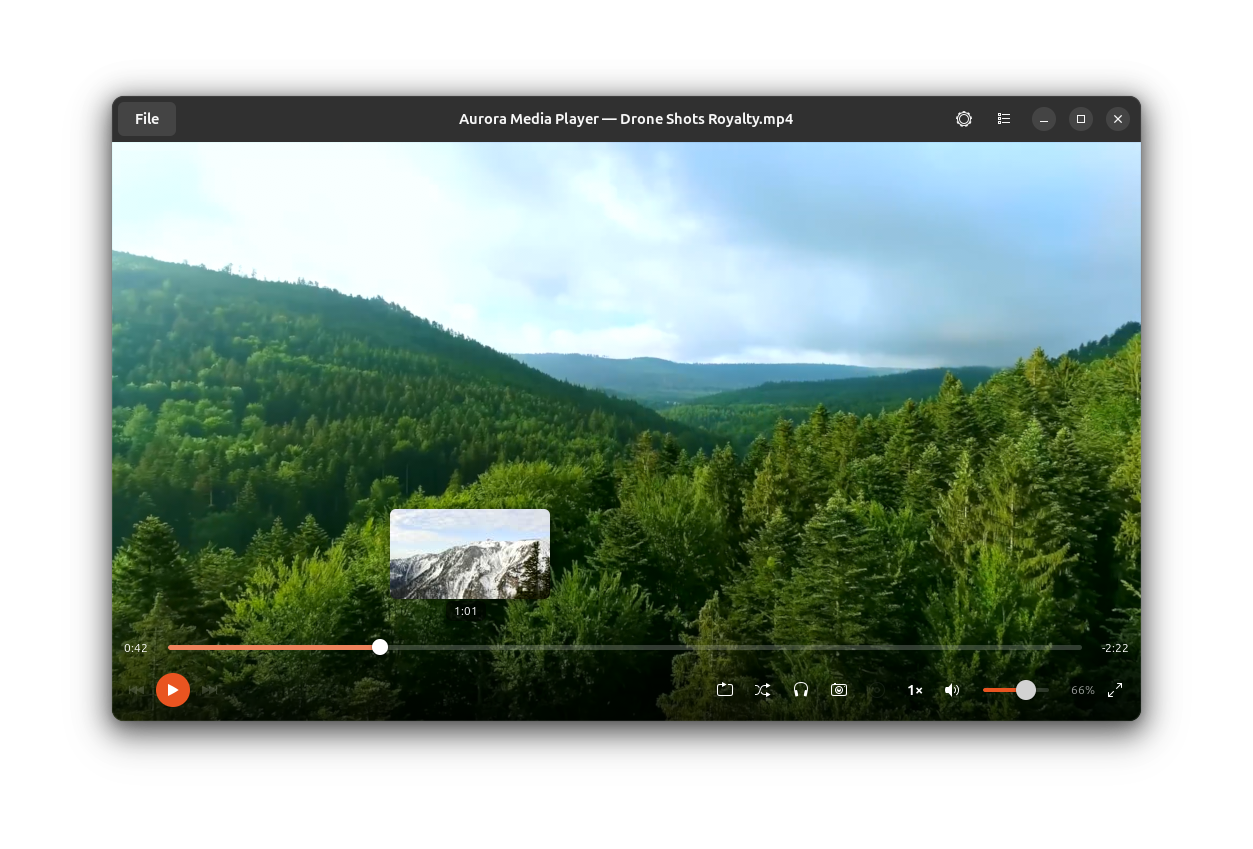
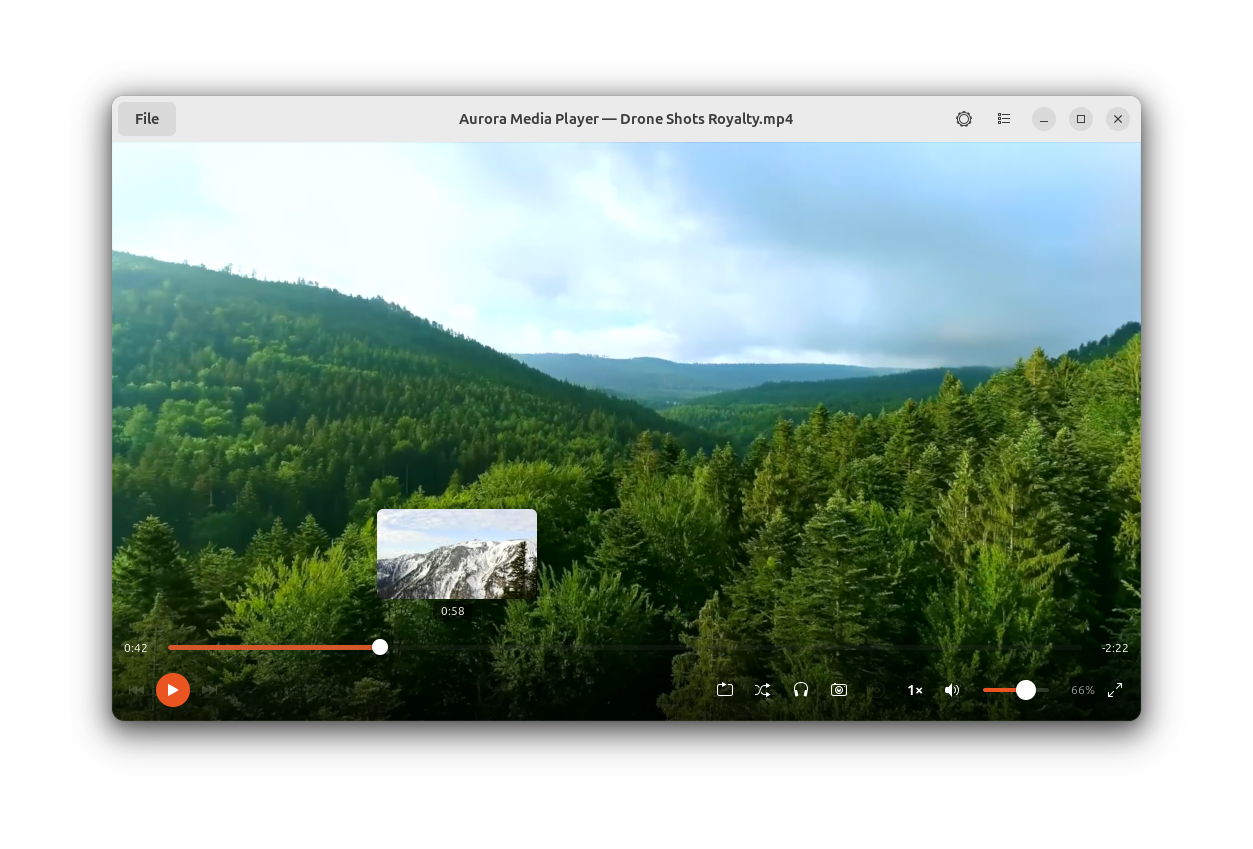
Finding a streamlined, native application to handle your local entertainment library can transform your desktop experience, and the Aurora Media Player Linux app delivers exactly that. Built specifically for the Linux platform by developer Dani Acosta, this modern utility leverages a clean, responsive GTK4 interface to offer a visually cohesive and highly efficient way to enjoy your media without the bloat of traditional heavy players.
What is the Aurora Media Player Linux App?
At its core, this software is designed to serve as a versatile hub for your local and online entertainment. Whether you are launching a quick audio track or settling in for a high-definition movie, it integrates beautifully with modern Linux desktop environments. By focusing on the GTK4 toolkit, the player ensures rapid startup times, fluid animations, and low resource consumption, making it an excellent fit for both high-end workstations and resource-constrained laptops.
Key Features and Everyday Usability
The strength of this application lies in its practical, everyday utility. Instead of overwhelming users with complex configurations, it focuses on delivering a reliable, high-quality playback experience out of the box. Here is what you can do with it:
- Universal Format Support: Easily open and play the most common video and audio formats without worrying about missing codecs.
- Streamlined Window Management: Take advantage of session restore and a quick-access recent files list to pick up exactly where you left off.
- Advanced Playback Controls: Seamlessly select different audio tracks, manage multi-language subtitles, and organize your media with built-in playlist support.
- Desktop Integration: Control your music and videos in the background using native MPRIS desktop media controls, complete with album art rendering.
Who Is This Media Player For?
If you value minimalist design but still require robust playback features, the Aurora Media Player Linux app is tailored for your workflow. It appeals directly to Linux users who prefer applications that adhere to modern desktop design guidelines while maintaining essential features like subtitle synchronization, audio track switching, and online media streaming capabilities.
Conclusion
This software successfully balances modern aesthetics with practical, daily performance. If you are looking to upgrade your current playback setup with a native GTK4 solution, we highly recommend exploring this project. To try it out on your system, head over to the official Flathub store page to get started.
Rate the App
User Reviews






Popular Apps










Editor's Choice