
Latest Version
White Moonlight
Education
Windows
Free
9n7xl9f11pb2
Report a Problem
More About Fast Translate - Language Converter
The Ultimate Tool for Instant Cross-Border Communication
Imagine you are preparing for an important international business call, or perhaps you are trying to decipher a complex technical document sent by a partner overseas. In these moments, relying on slow, clunky translation tools can stall your momentum. This is where Fast Translate - Language Converter steps in as a dedicated Windows utility designed to make global communication entirely seamless.
Developed by White Moonlight, this education and language tool aims to bridge the gap between more than 100 languages worldwide, offering desktop users a streamlined way to convert text, phrases, and sentences without leaving their workstation.
Key Features of Fast Translate - Language Converter
To understand why this application is gaining traction on the Windows platform, let us look at the core features it brings to your desktop:
- Extensive Language Library: Translate text effortlessly between more than 100 global languages.
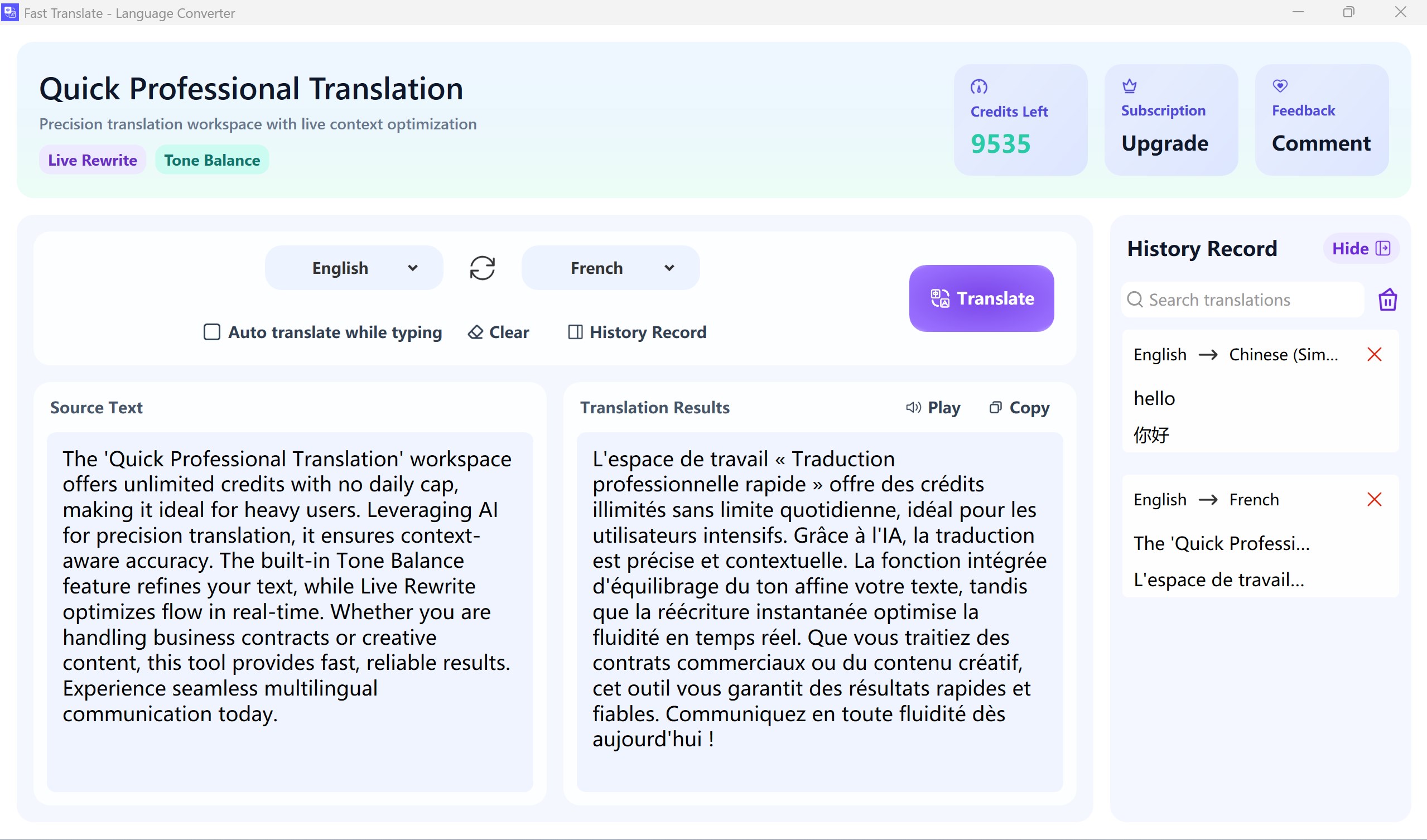
- Built-In History Log: Every translation you perform is automatically saved locally, allowing you to quickly reference past conversations or frequently used terms without repeating the translation process.
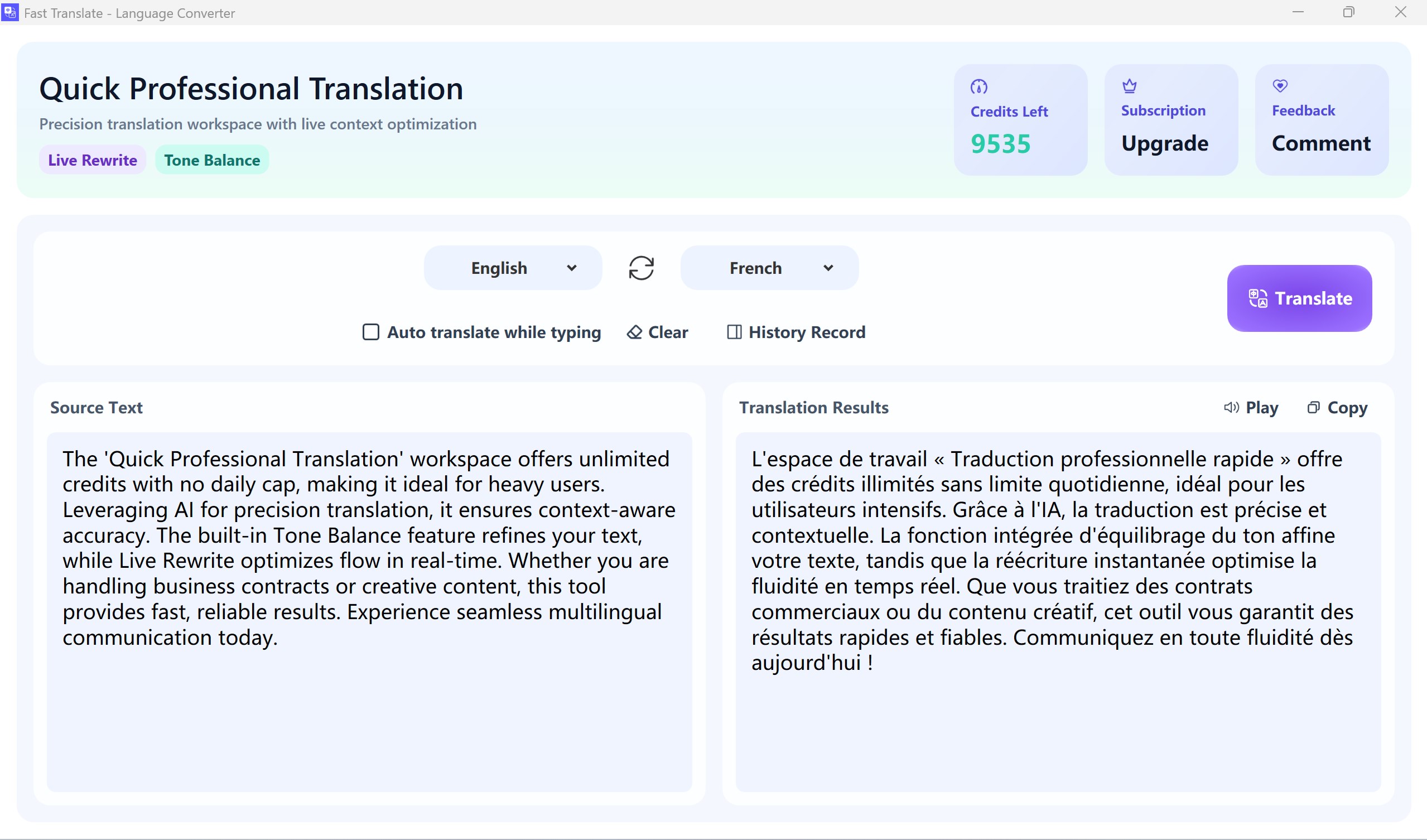
- Optimized Desktop Interface: Designed specifically for Windows, the application features an intuitive layout that makes navigation hassle-free for users of all technical levels.
- Rapid Processing: Built to deliver quick translation results, minimizing wait times during active conversations.
Who Is This Desktop Translator For?
Fast Translate - Language Converter is particularly beneficial for professionals, remote workers, and students who spend their day on a PC. Instead of constantly opening browser tabs to copy and paste text, Windows users can keep this lightweight tool handy. It is an excellent fit for those who frequently coordinate with international teams, study foreign languages, or manage multilingual customer support.
Understanding the Credit and VIP System
The application is free to download initially and offers a trial experience to help you evaluate its performance. Upon your first installation, you are granted 1,000 complimentary credits to spend on your translations. Once this starting balance is fully utilized, continuing to use the translation service requires a subscription to transition into a VIP user.
Our Editorial Verdict
If you are looking for a straightforward, distraction-free desktop application to handle quick translations with a reliable history log, this utility is worth exploring. While the transition to a paid VIP model after utilizing the initial 1,000 credits is something to keep in mind, the speed and integration on Windows make it a highly practical tool for daily productivity.
To try the application out for yourself and explore its translation capabilities, head over to the official Microsoft Store page to get started.
Rate the App
User Reviews












Popular Apps










Editor's Choice