

Latest Version
晓飞 李
Tools
iOS
Free
520299954
Report a Problem
More About File Hub by imoreapps
A Single Command Center for iOS File Management
Managing files on iOS has historically been a fragmented experience, requiring users to jump between various native apps, cloud storage platforms, and local directories. File Hub by imoreapps file management offers a refreshing alternative by consolidating all your digital assets into a single, cohesive ecosystem. Whether you need to access secure corporate servers or organize media locally, this tool functions as a highly capable bridge between your mobile hardware and external storage networks.
Seamless Integration with Cloud and Network Servers
What truly sets this application apart is its robust network connectivity. It doesn't just manage what is on your iPhone or iPad; it acts as an active gateway to your entire network infrastructure. Here is how it keeps you connected:
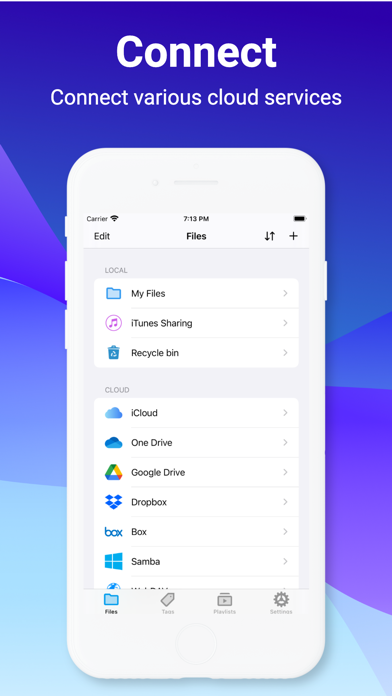
- Cloud Unification: Access major cloud platforms including Google Drive, Dropbox, OneDrive, iCloud, and Box from a single interface.
- Enterprise Network Protocols: Connect directly to legacy and professional servers via FTP, SFTP, WebDAV, and Windows Samba (SMB).
- Local Wireless Transfer: Easily transfer files between your iOS device and any computer using the built-in Wi-Fi sharing feature.
Advanced Viewing and Archiving Capabilities
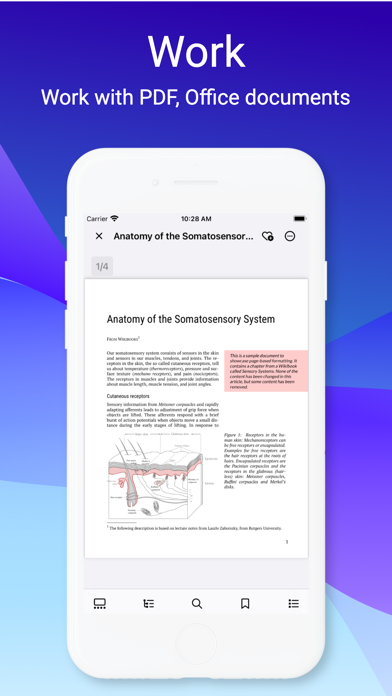
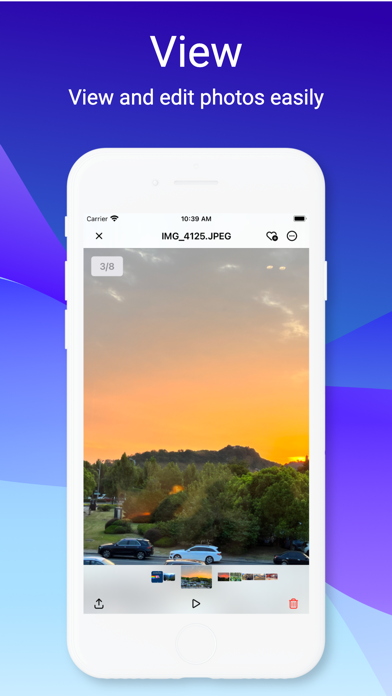
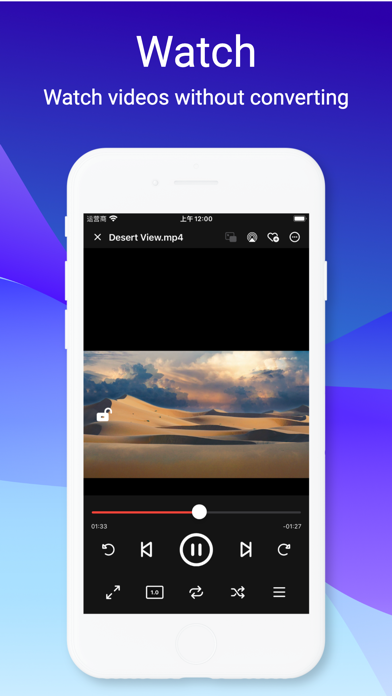
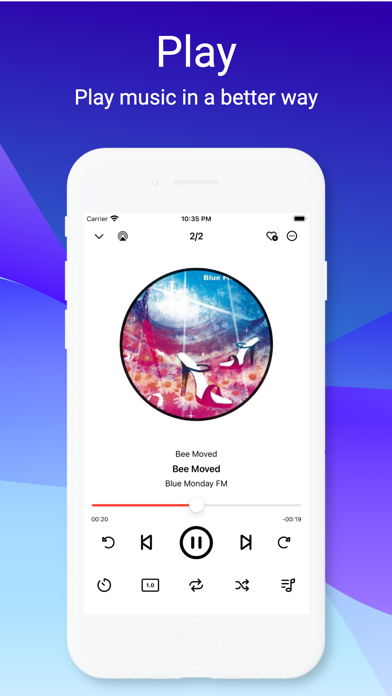
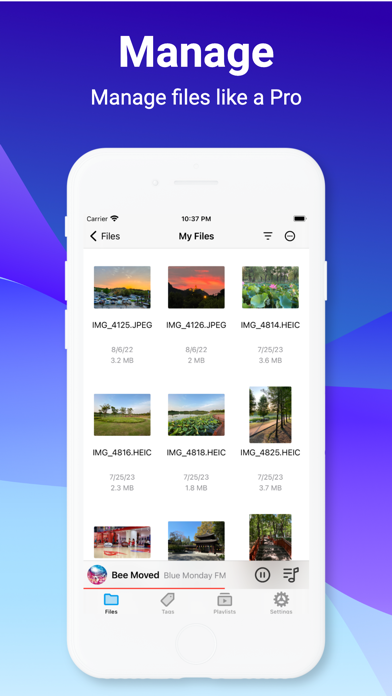
Beyond organizing directories, the app functions as a versatile media player and document reader. You can open and view over 40 distinct file formats directly within the interface, eliminating the need to install separate specialized applications. It features built-in support for reading complex PDFs, viewing Office documents, and playing a wide range of audio and video formats without annoying conversion hassles. Additionally, power users will appreciate the built-in archive utility that seamlessly decompresses ZIP, RAR, 7-zip, CBZ, and GZ files on the fly.
Who is This File Manager For?
If you are a professional who constantly moves assets between desktop environments, network-attached storage (NAS), and mobile devices, File Hub by imoreapps file management is engineered specifically for your workflow. It is also an excellent utility for media enthusiasts who want to stream content directly from home servers without consuming local storage space. With integrated password authentication and a clean, adaptive interface supporting light and dark themes, it balances security with user-friendly design.
Discover More on the App Store
If you are ready to upgrade your mobile productivity and streamline how you access, view, and organize your documents, this tool is well worth exploring. You can learn more about its features and read user testimonials by visiting the official page on the Apple App Store.
Rate the App
User Reviews









Popular Apps










Editor's Choice