
Latest Version
洪 陈
Design
Mac
Free
668502966
Report a Problem
More About Paint X - Paint, Draw and Edit
The Ultimate Lightweight Digital Sketchpad for Mac
If you need a quick, reliable way to sketch ideas, touch up images, or add custom graphics without launching heavy, complex design suites, Paint X - Paint, Draw and Edit is the ideal solution. Built specifically for macOS, this classic digital painting application strikes the perfect balance between user-friendly simplicity and robust creative functionality, making daily image editing tasks a breeze.
Core Features of Paint X - Paint, Draw and Edit
Whether you are starting a project from scratch or modifying an existing photo, the application offers an accessible layout and highly efficient tools:
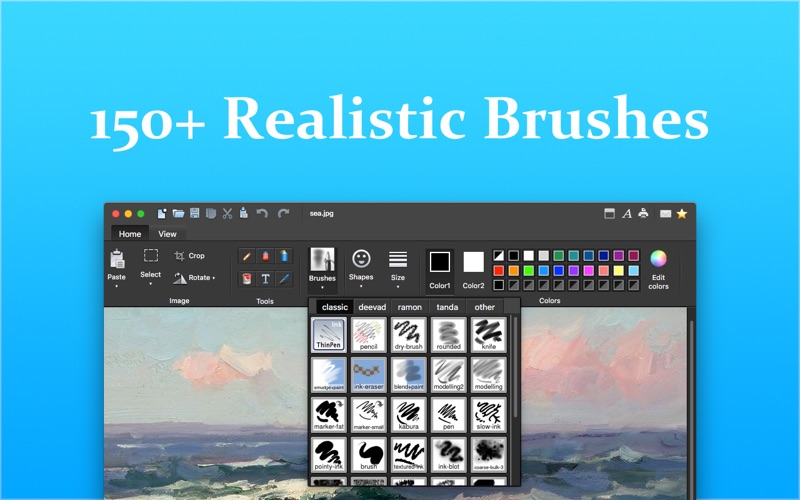
- Realistic Digital Brushes: Bring your creations to life with over 150 built-in paintbrushes, including specialized options like watercolor, crayon, calligraphy, ink, and DNA brushes.
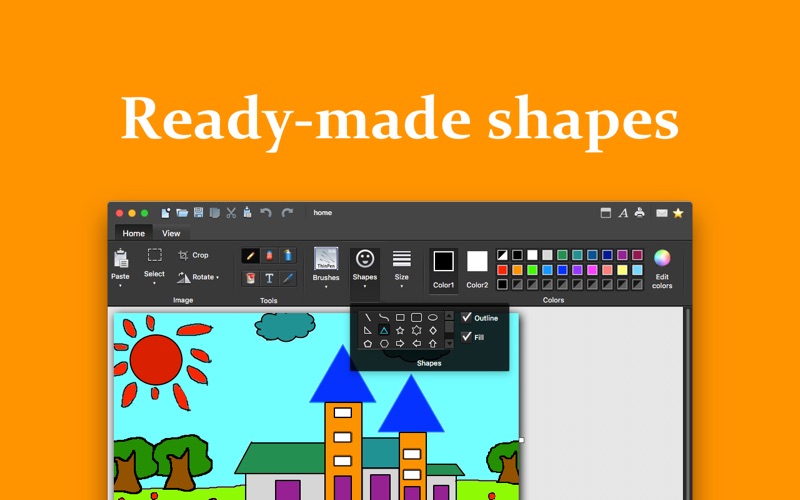
- Ready-Made Shapes: Speed up your workflow using 25 pre-designed shapes such as lines, curves, ovals, stars, hearts, and speech clouds.
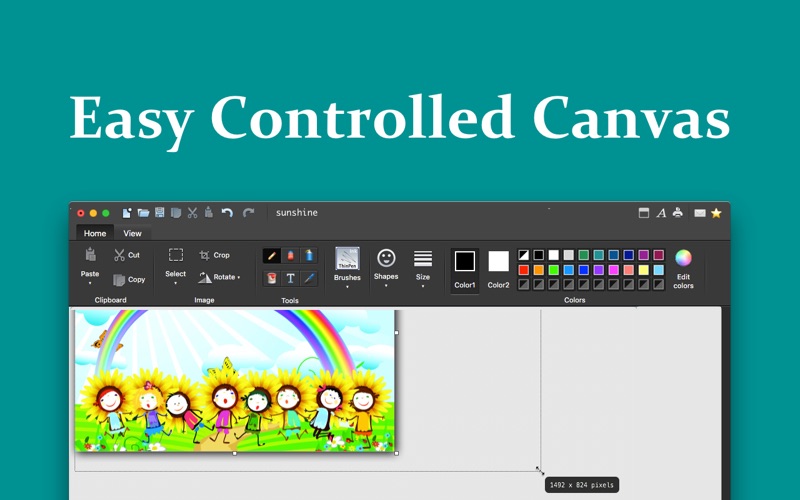
- Flexible Selection & Canvas Control: Rotate or resize selections freely, flip images horizontally or vertically, and crop with precision.
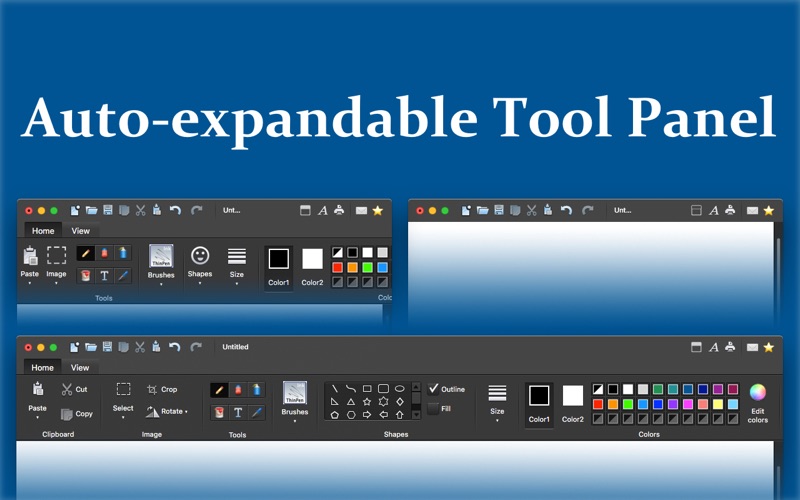
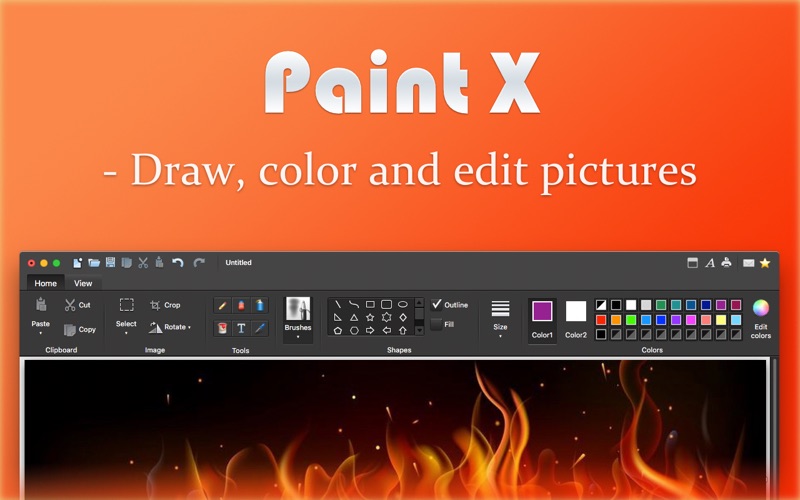
- Intuitive Ribbon Interface: Avoid digging through nested menus; all essential tools, color palettes, and options are displayed clearly across the top ribbon.
- Broad File Support: Seamlessly open and save your artwork in popular formats including PNG, TIFF, BMP, JPEG, and GIF.
Who Is This Classic Creative Tool For?
Designed by developer 洪 陈, this application is tailored for Mac users who appreciate the straightforward nature of traditional paint programs. It is perfect for educators creating quick diagrams, casual artists looking for an uncomplicated digital canvas, or professionals who need to annotate screenshots and images quickly. With support for drag-and-drop operations, adjustable undo/redo limits, and the ability to work across multiple open windows simultaneously, it adapts effortlessly to your personal workflow.
Experience Hassle-Free Drawing on macOS
For those seeking an uncomplicated, ribbon-style painting utility that gets the job done without a steep learning curve, this software is a highly practical addition to your Mac utility folder. You can explore the full features of Paint X - Paint, Draw and Edit and download it directly from the official Apple Mac App Store.
Rate the App
User Reviews
Other Apps in This Category




Popular Apps










Editor's Choice